Security cameras are the silent guardians of your home or business. They watch over your property around the clock - but what happens when they stop working properly? Many property owners don't realise their CCTV system is failing until it's too late, often discovering the problem only after a security incident occurs.
The truth is, a malfunctioning CCTV system is almost worse than having no system at all. It gives you a false sense of security while leaving real gaps in your surveillance coverage.
In this guide, the experts at St. Anthony's Service walk you through the seven most critical warning signs that your CCTV system needs professional attention - before those blind spots cost you.
CCTV systems are complex networks of cameras, cables, power supplies, digital video recorders (DVRs) or network video recorders (NVRs), and software. Like any technology, they degrade over time due to weather exposure, power fluctuations, firmware drift, and physical wear.
According to security industry data, the majority of CCTV failures are gradual - they worsen slowly until the system becomes useless. Regular inspection and professional CCTV maintenance and repair can catch these issues early, saving you significant replacement costs and keeping your premises genuinely protected.
What it looks like: Footage appears fuzzy, grainy, pixelated, or heavily distorted - even during daytime or in well-lit conditions.
Why it happens:
What you should do: First, check if the lens has surface dirt or spider webs - a gentle clean with a microfibre cloth can sometimes resolve minor blur. However, if the issue persists after cleaning, you're likely dealing with an internal hardware problem that requires a technician.
Persistent image quality issues often point to failing camera hardware or deteriorating coaxial cables. A qualified engineer from St. Anthony's Service can run a signal quality test, identify the exact point of failure, and restore sharp, reliable footage.
Pro Tip: Upgrade to HD or 4K cameras during your repair visit. Modern cameras offer dramatically better image quality at increasingly affordable prices, and a repair visit is the perfect time to assess whether an upgrade makes financial sense.
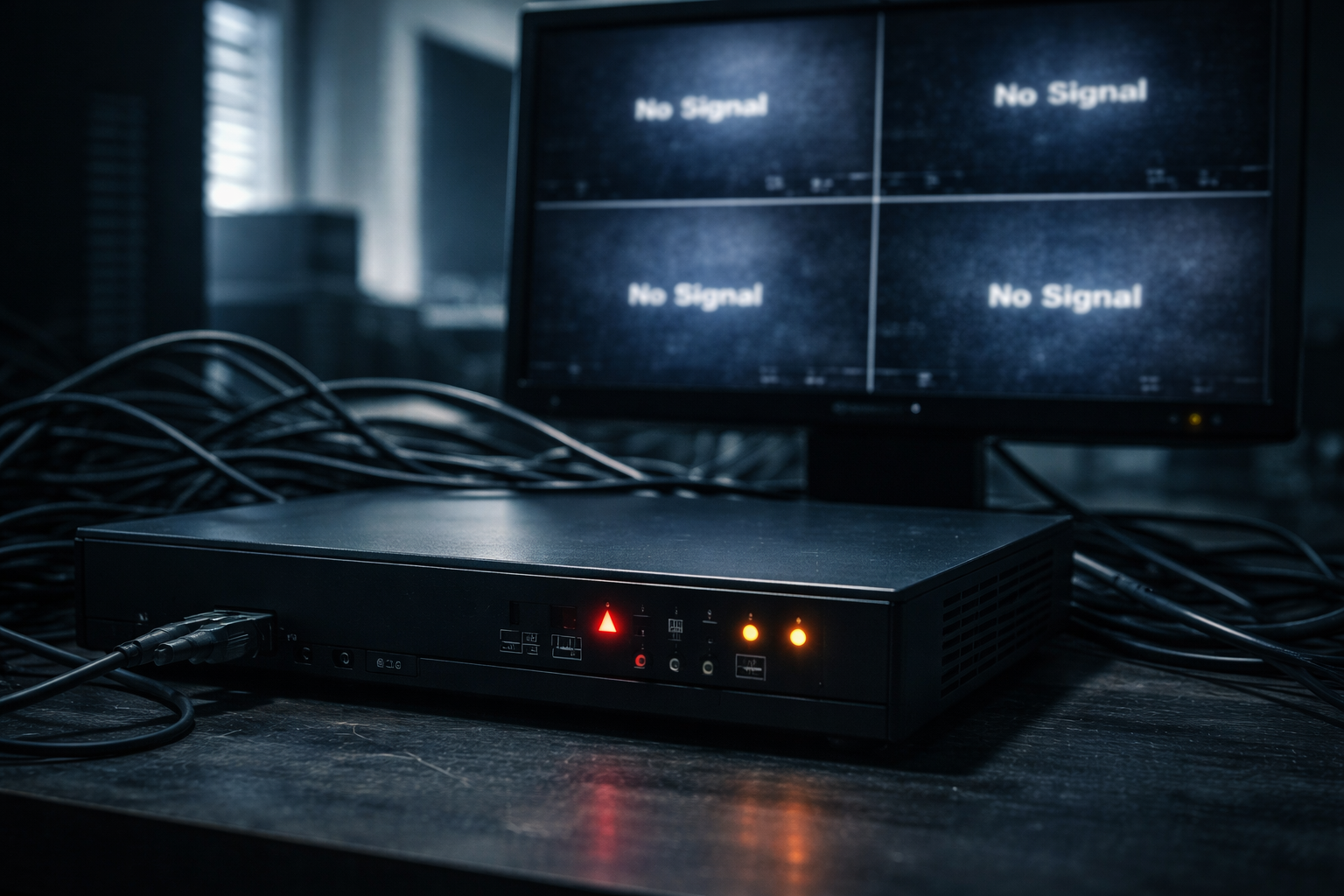
What it looks like: One or more cameras disappear from your monitoring screen, show a black screen, or display a "No Signal" or "Video Loss" message.
Why it happens:
What you should do: Check whether the camera's indicator light is on. If the light is off, the camera isn't receiving power. If it's on but the screen shows "No Signal," the problem is likely in the cable or recorder.
Intermittent signal loss - where a camera sometimes works and sometimes doesn't - is a particularly bad sign. This typically indicates a damaged cable that will eventually fail completely. Prompt CCTV repair by a professional team can prevent a partial failure from becoming a total blind spot.
What it looks like: Cameras that previously provided clear footage after dark now produce pitch-black or heavily underexposed images at night. Or the infrared glow you could previously see around the camera lens is no longer visible.
Why it happens:
What you should do: Night vision failure is especially serious because most criminal activity and security breaches happen after dark. A camera that looks fine during the day but goes blind at night leaves your property unprotected during its most vulnerable hours.
IR LED arrays have a finite lifespan (typically 50,000 hours), and in older systems, this is one of the most common failure points. A technician can test and replace IR LED modules, or recommend camera upgrades with superior low-light performance including colour night vision technology.
What it looks like: When you go back to review footage of an incident, there's nothing there. Or your system constantly warns you that storage is full, even though you've increased capacity recently.
Why it happens:
What you should do: This is arguably the most dangerous sign on this list. A CCTV system that isn't recording is entirely useless for post-incident investigation, insurance claims, or legal proceedings.
Check your DVR/NVR interface to confirm recording is active. Look at the storage health status if available. Many modern recorders will alert you when the HDD is approaching failure - if you see such warnings, don't delay.
St. Anthony's Service provides full DVR/NVR servicing including hard drive health checks, replacement, and optimisation of recording schedules to maximise both coverage and storage efficiency.
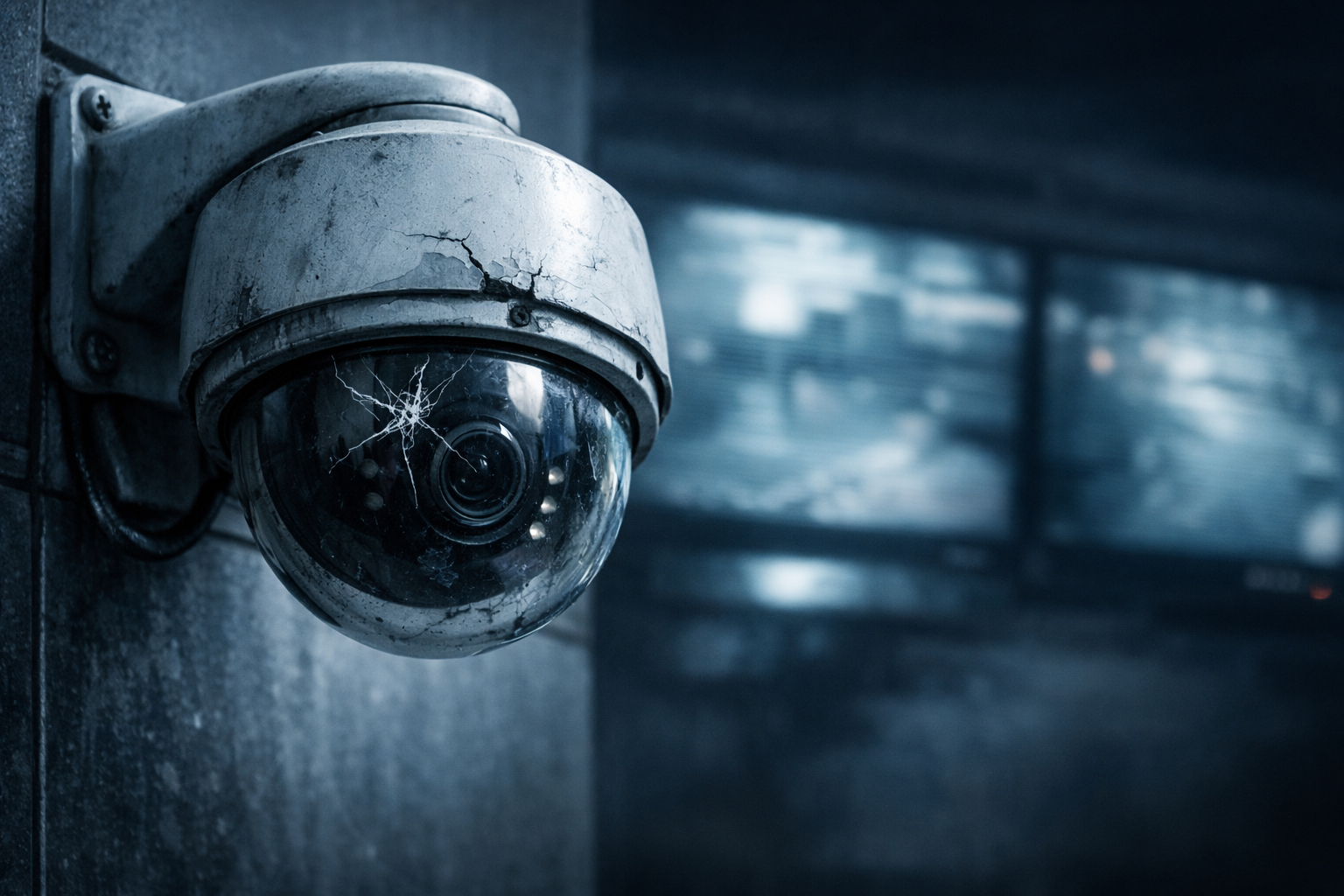
What it looks like: Cracked or shattered camera domes, bent camera brackets, water pooling around or inside the unit, rust on metal housings, or cameras that have shifted from their original pointing direction.
Why it happens:
What you should do: Physical damage goes beyond aesthetics. A cracked dome allows moisture inside, which will destroy the camera's electronics within weeks. A camera that has shifted direction may be covering a completely different area than intended, leaving critical zones unmonitored.
After any storm, physical incident, or suspected tampering, arrange a physical inspection of all camera units. Don't assume a camera is working just because it's still sending a signal - its coverage angle may have been compromised.
A professional inspection from St. Anthony's Service includes checking all mounting hardware, housing integrity, cable entry seals, and verifying each camera's field of view against your original security plan.
What it looks like: Your recorder unit feels hot to the touch, restarts unexpectedly, freezes on the live view screen, crashes during playback, or takes an unusually long time to boot up.
Why it happens:
What you should do: Your DVR or NVR is the brain of your entire CCTV system. When it fails, every connected camera becomes useless. Overheating is the leading cause of premature recorder failure and is almost entirely preventable with routine maintenance.
Ensure the recorder is in a well-ventilated location and not stacked with other equipment. Clean the air vents with compressed air every few months. If the unit is still overheating after these steps, the internal fan may need replacement.
Firmware updates are also critical - outdated firmware can cause instability and, more importantly, security vulnerabilities that allow hackers to access your camera feeds.
What it looks like: You used to be able to view your cameras on your phone or laptop from anywhere, but now the connection fails. Or you've had your CCTV system for years and never had remote access configured at all.
Why it happens:
What you should do: Remote viewing isn't just a convenience - it's an essential security tool. Being able to check your cameras from anywhere allows you to respond immediately to alerts, verify alarms before calling emergency services, and monitor your property while travelling.
If your remote access has stopped working, it's often a configuration issue that a technician can resolve in a single visit. If you've never had remote access set up, you're missing out on one of the most valuable features of modern CCTV systems.
St. Anthony's Service can configure remote viewing across all major platforms (Android, iOS, Windows, and Mac), set up DDNS services for dynamic IP addresses, and ensure your system is securely accessible from anywhere in the world.
Even without technical expertise, you can carry out a basic health check of your CCTV system using this simple process:
Step 1 - Visual Inspection of All Cameras
Walk around your property and physically look at each camera. Check for cracks, displacement, water damage, or obstructions (overgrown plants, paint, new signage) that may have blocked the field of view.
Step 2 - Review Live Feed on the Monitor
At your DVR/NVR monitor, cycle through all camera channels. Confirm every camera is showing a live, clear image. Note any that show black screens, "No Signal" errors, or visibly poor image quality.
Step 3 - Test Night Vision After Dark
After sunset, check the same live feeds again. Confirm each camera is switching to night mode and providing usable infrared footage. Look for the faint red glow of IR LEDs around the camera lens.
Step 4 - Check Recording Status
Navigate to your DVR/NVR recording menu. Confirm recording is active on all channels. Review available storage capacity and check hard drive health if your system supports it.
Step 5 - Test Playback Retrieve footage from the past 24 hours. Confirm it plays back smoothly, timestamps are correct, and the recording covers the periods it should.
Step 6 - Test Remote Access
Open your CCTV mobile app on your smartphone while connected to mobile data (not your home/office WiFi). Confirm you can connect and view all cameras remotely.
Step 7 - Inspect the DVR/NVR Unit
Check that the recorder's ventilation slots are clear. Touch the unit carefully - it should be warm but not hot. Confirm the unit hasn't restarted recently by checking system logs if available.
If any of these steps reveal a problem, it's time to call a professional.
Q: How often should a CCTV system be professionally serviced?
Industry best practice recommends a professional inspection every 6 to 12 months. High-exposure outdoor cameras in harsh environments (dust, rain, direct sunlight) should be checked every 6 months. Indoor cameras in stable environments can typically go 12 months between professional checks.
Q: How long do CCTV cameras last before needing replacement?
Quality CCTV cameras typically last 5 to 10 years with proper maintenance. DVR/NVR units often last 5 to 7 years, with the hard drive being the most frequently replaced component (typically every 3 to 5 years). Regular servicing can significantly extend these lifespans.
Q: Can I repair a CCTV camera myself?
Basic tasks like cleaning a lens, tightening a loose bracket, or resetting a frozen recorder are safe for non-technical users. However, anything involving opening the camera unit, replacing internal components, or modifying wiring should always be handled by a qualified technician. Improper repairs can void warranties, cause further damage, or create electrical hazards.
Q: My DVR hard drive has failed. Can I recover the footage?
Sometimes yes, but it depends on the nature of the failure. Mechanical hard drive failures (clicking or grinding sounds) have a lower recovery rate than logical failures (software or file system corruption). A professional data recovery attempt should be made before the drive is replaced. Contact St. Anthony's Service immediately if you have a critical footage recovery need.
Q: What's the difference between repairing and replacing my CCTV system?
Repair is the right choice when individual components fail in a system that's otherwise modern and functional. Replacement becomes more cost-effective when the system is over 8 to 10 years old, when multiple cameras and the recorder are all failing, when the resolution is too low to meet your current needs, or when spare parts are no longer available. A professional assessment will give you an honest, cost-based recommendation.
Q: Is my CCTV system vulnerable to hacking?
Yes - CCTV systems that haven't had firmware updated, still use default passwords, or are improperly configured for remote access are common targets for cyber intrusion. A professional setup ensures strong password policies, current firmware, encrypted transmission, and secure network configuration.
Q: How much does professional CCTV repair cost in Sri Lanka?
Repair costs vary depending on the fault type, parts required, and number of cameras affected. A professional diagnostic visit is the best starting point. Contact St. Anthony's Service for a transparent quote tailored to your specific system and needs.
"Why is my security camera showing a black screen?"
This is almost always a power, cable, or hardware issue. Check power connections first, then cables, then the camera unit itself. If all look intact, the camera's internal hardware has likely failed and needs professional assessment.
"Why does my CCTV footage look blurry at night?"
Your camera's IR LEDs are likely failing or your night vision settings are incorrectly configured. This is a very common issue in cameras over 4 to 5 years old and is usually resolved by IR LED replacement.
"Why does my DVR keep restarting?"
Overheating (blocked vents), failing hard drive, or unstable power supply are the three most common causes. Clean the vents first. If the problem continues, professional diagnosis is required.
"Can I add more cameras to my existing CCTV system?"
Yes, in most cases - as long as your DVR/NVR has unused input channels and sufficient storage. St. Anthony's Service can assess your existing system and advise on compatible camera additions.
"Why can't I access my CCTV cameras remotely anymore?"
Usually a network configuration issue - changed router, new ISP IP address, or an expired DDNS setting. Rarely a camera or recorder hardware problem.
"How do I know if my CCTV camera has been tampered with?"
Signs of tampering include a camera pointing in a different direction than usual, physical marks or scratches around the housing, an unexpected gap in recorded footage, or a camera that was online and has suddenly gone offline.
The most dangerous CCTV system is one you believe is working when it isn't. Blurry footage that can't identify a face, a camera that went offline last month and nobody noticed, recordings that were never saved - these failures are invisible until the moment you desperately need the footage.
If your system shows even one of the warning signs covered in this guide, don't delay. Early intervention is almost always cheaper than emergency replacement, and far less costly than the consequences of an unrecorded security incident.
St. Anthony's Service is Sri Lanka's trusted provider of professional CCTV camera installation, maintenance, and repair. Their experienced technicians serve both residential and commercial clients, providing honest diagnostics, quality repairs, and long-term maintenance plans to keep your security system performing at its best year-round.
Ready to get your CCTV system professionally inspected? Contact St. Anthony's Service today and secure your property with confidence.
St. Anthony's Service - Professional CCTV Installation, Maintenance & Repair in Sri Lanka.