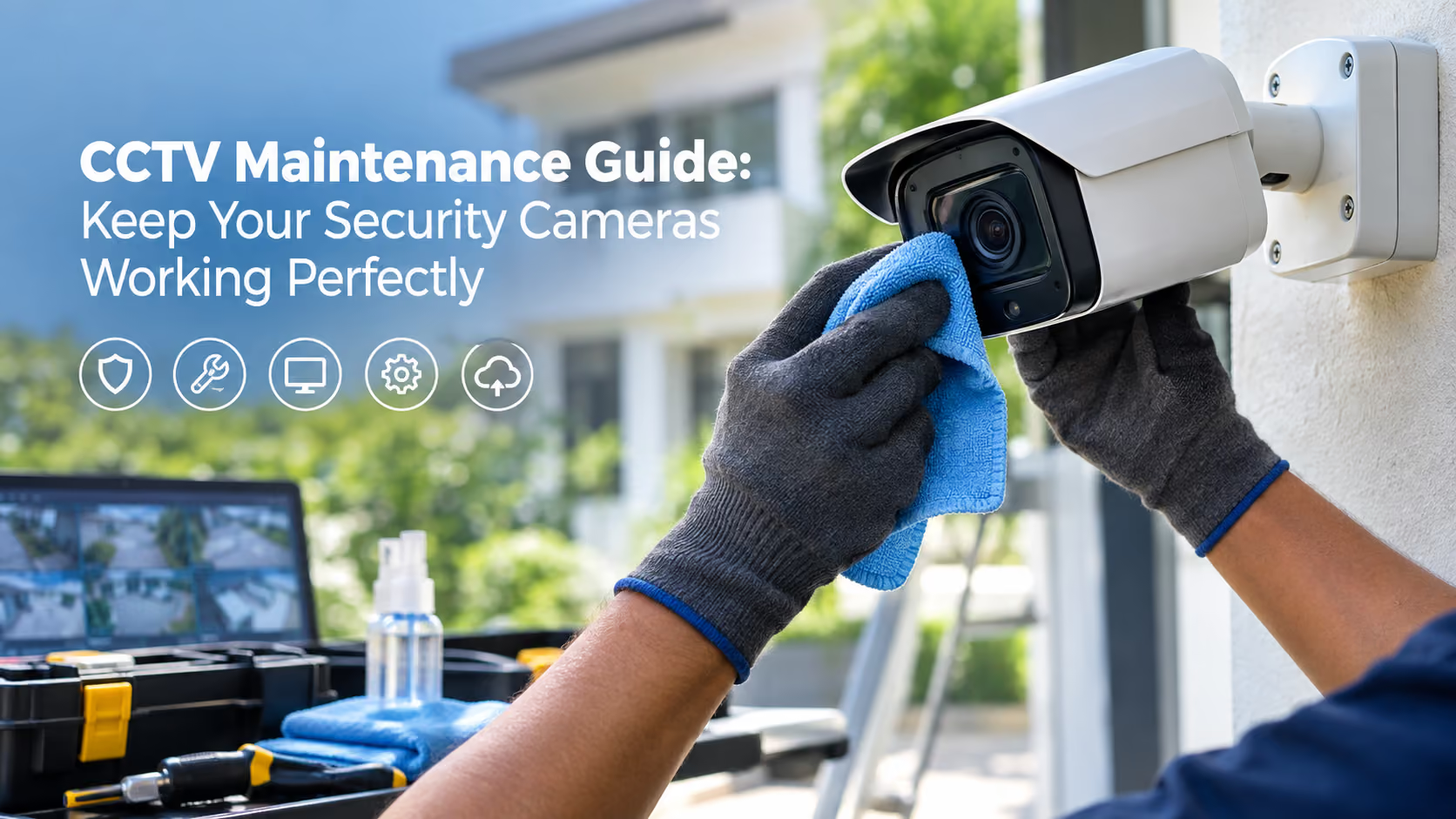
Installing a CCTV system is only half the job. The real value comes from knowing your cameras will actually record when something happens. Yet many home and business owners only discover a fault after an incident, when they find blurry footage, a camera that stopped recording weeks ago, or a hard drive that was full. Sri Lanka's heat, humidity, monsoon rain, dust, and power fluctuations make regular servicing even more important. This CCTV maintenance guide from St Anthony's Service explains exactly how to keep your security cameras working perfectly all year.
This CCTV maintenance guide covers the essentials: clean camera lenses and housings, check that every camera is recording, confirm camera angles have not shifted, review footage quality by day and night, verify storage capacity and retention days, inspect cables and connectors, test remote access, update firmware and passwords, and check power backup. Do basic checks monthly and book a professional service at least once or twice a year.
Safety note: Do not climb ladders or work at height to reach rooftop or high wall cameras. Leave elevated and electrical work to trained technicians.
Usually caused by a dirty lens, condensation inside the housing, water marks, or a lens that has lost focus over time.
Often caused by a failed hard drive, full storage with overwrite disabled, incorrect recording schedules, or a DVR/NVR fault.
Commonly caused by power supply failures, damaged cables, loose connectors, network issues, or a faulty camera.
Caused by dirty lenses, failed infrared LEDs, cobwebs reflecting infrared light, or nearby lighting that confuses the camera.
Usually due to internet outages, router or IP changes, app updates, expired cloud services, or incorrect network settings.
Often linked to power supply problems, voltage fluctuations, poor earthing, or electrical interference.
Security cameras are network devices and need digital protection too. Change default usernames and passwords, use strong and unique passwords, update firmware when the manufacturer releases it, limit the number of users with admin access, secure your Wi-Fi network, and remove old user accounts when staff leave. Review these settings at least twice a year.
Contact a technician if you notice recurring camera failures, hard drive errors or clicking noises, water inside camera housings, damaged cables, electrical faults or burning smells, cameras that need repositioning at height, or footage that remains unclear after cleaning. Professional servicing also covers internal DVR/NVR cleaning and system testing that cannot be done safely from the ground.
Basic checks should be done monthly, with a professional service at least once or twice a year. Dusty, coastal, or industrial locations may need more frequent servicing.
Surveillance hard drives run continuously, so most last a few years depending on usage, heat, and power stability. Regular health checks help you replace them before they fail.
The most common causes are a failed or full hard drive, incorrect recording settings, power supply problems, or a DVR/NVR fault.
You can safely clean cameras you can reach from the ground using a soft, dry microfibre cloth. Rooftop and high-mounted cameras should be cleaned by a technician with proper safety equipment.
Costs depend on the number of cameras, system type, site conditions, and whether repairs or replacement parts are needed. A site inspection provides an accurate quotation.
What is included in a professional CCTV maintenance service? Typically camera cleaning and alignment, recording and playback testing, storage and hard drive checks, cable and power inspection, firmware and password review, and remote access testing.
How long should CCTV footage be stored? Most homes and businesses keep 15 to 30 days of footage, depending on hard drive capacity, camera count, and recording quality.
Does rain damage CCTV cameras? Outdoor cameras are weather-resistant, but damaged seals, poor installation, or cracked housings can let water in during heavy monsoon rain.
Do CCTV systems need firmware updates? Yes. Firmware updates fix bugs and close security vulnerabilities, so apply them when the manufacturer releases them.
Do you service CCTV systems you did not install? Yes. St Anthony's Service maintains and repairs existing CCTV systems regardless of brand or original installer.
With a heritage dating back to 1942, St Anthony's Service is a trusted service provider in Sri Lanka. Our experienced and certified technicians handle CCTV installation, maintenance, and repair for homes, shops, offices, warehouses, and commercial buildings. We offer fast response times, flexible scheduling, quality equipment, transparent pricing, and dependable after-sales support.
A security system is only useful when it works on the day you need it. Regular maintenance protects your investment and your peace of mind. Contact St Anthony's Service today to book a CCTV maintenance visit or system health check.